

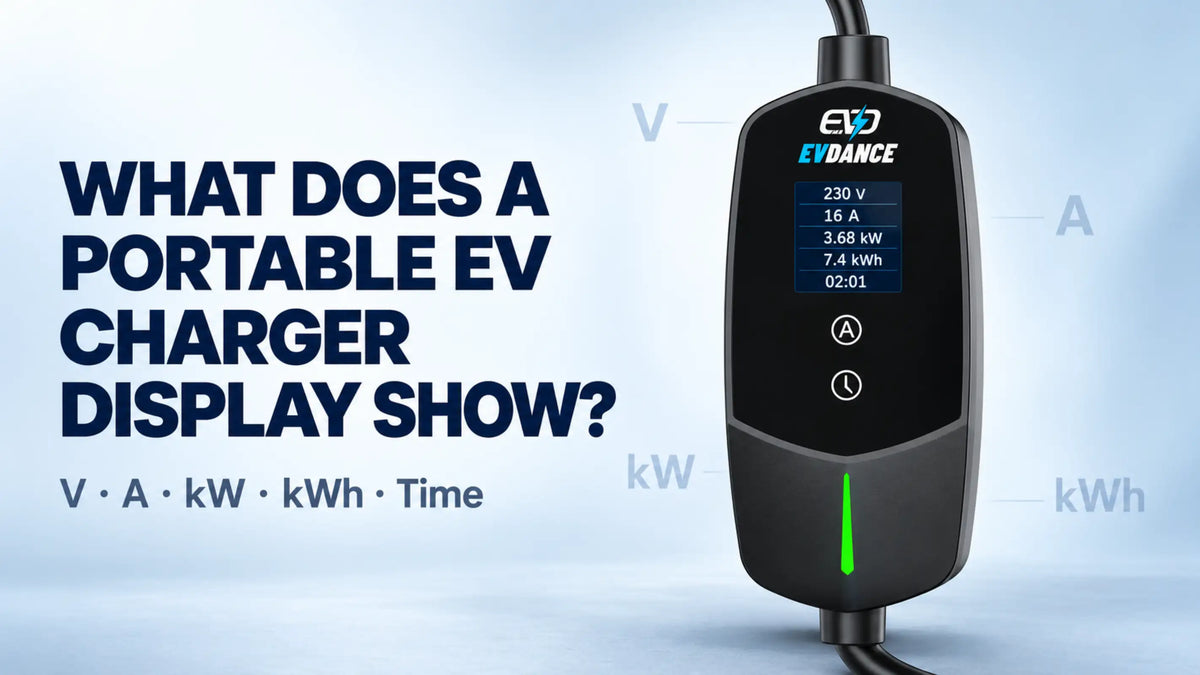
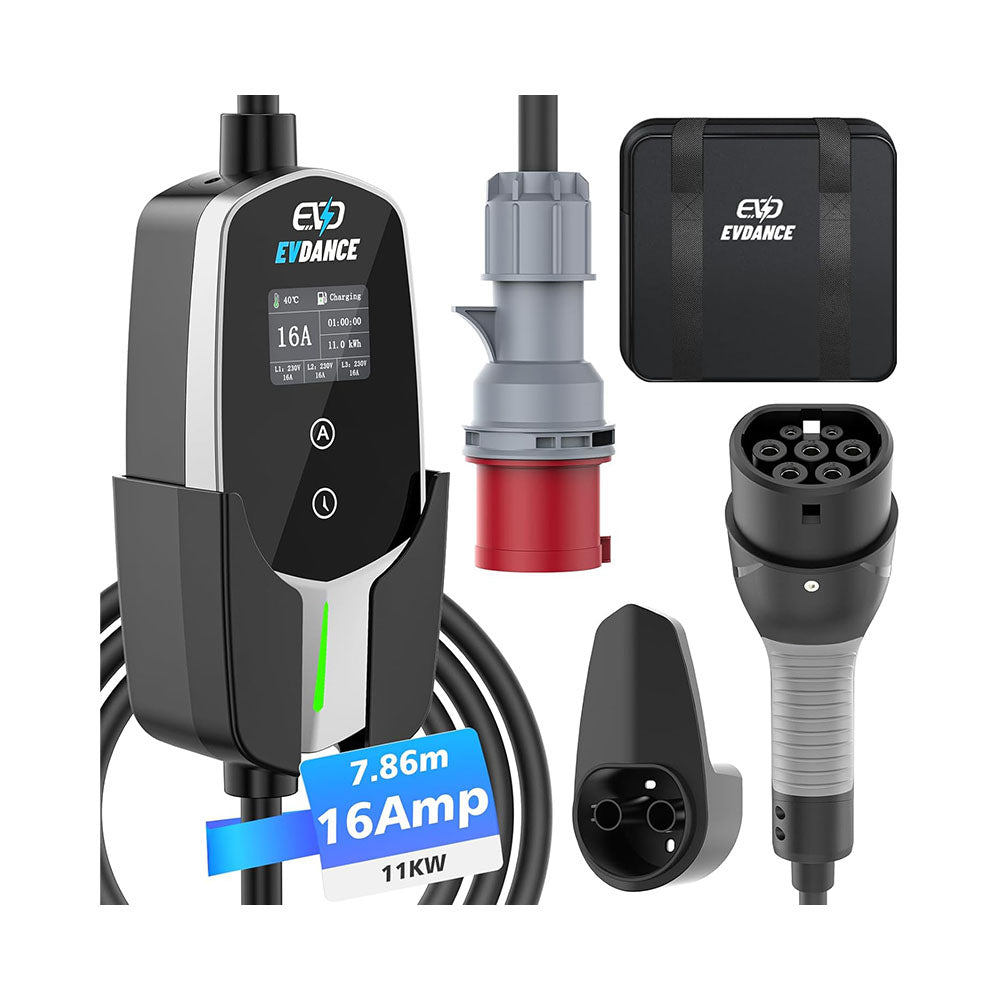
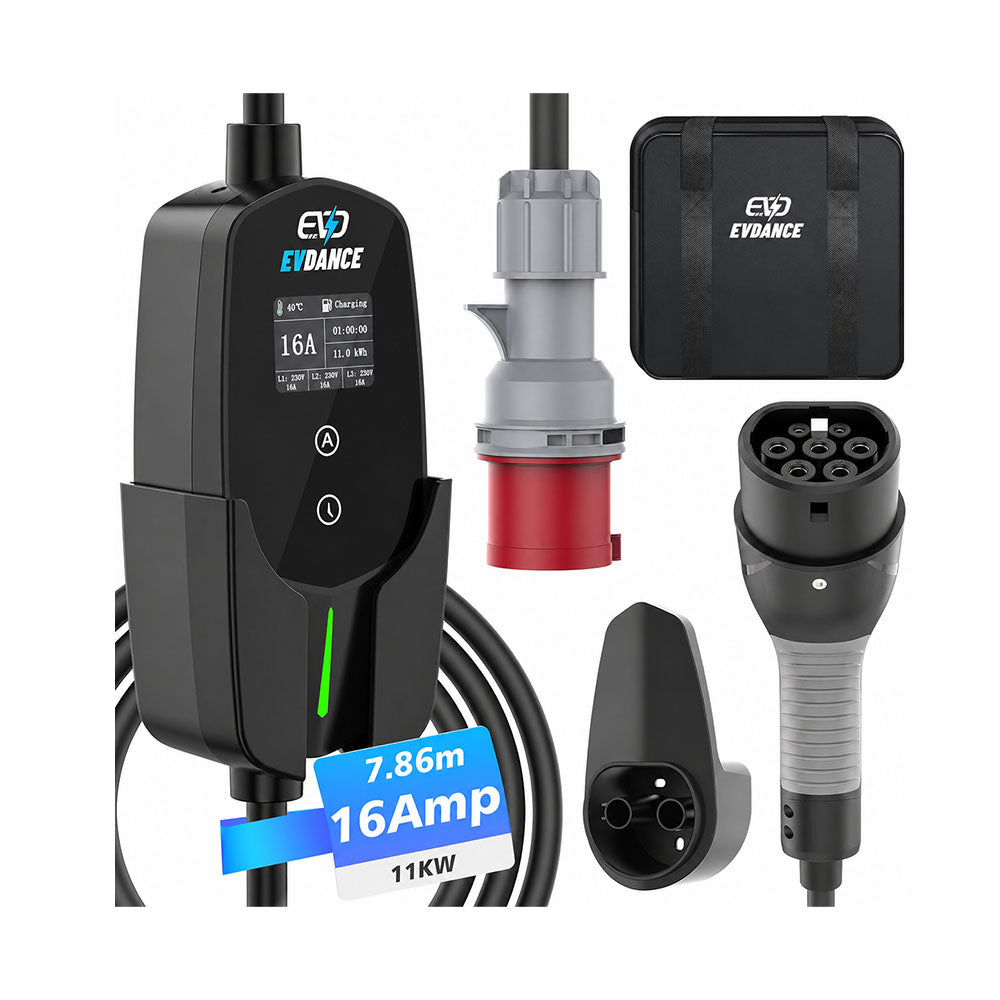
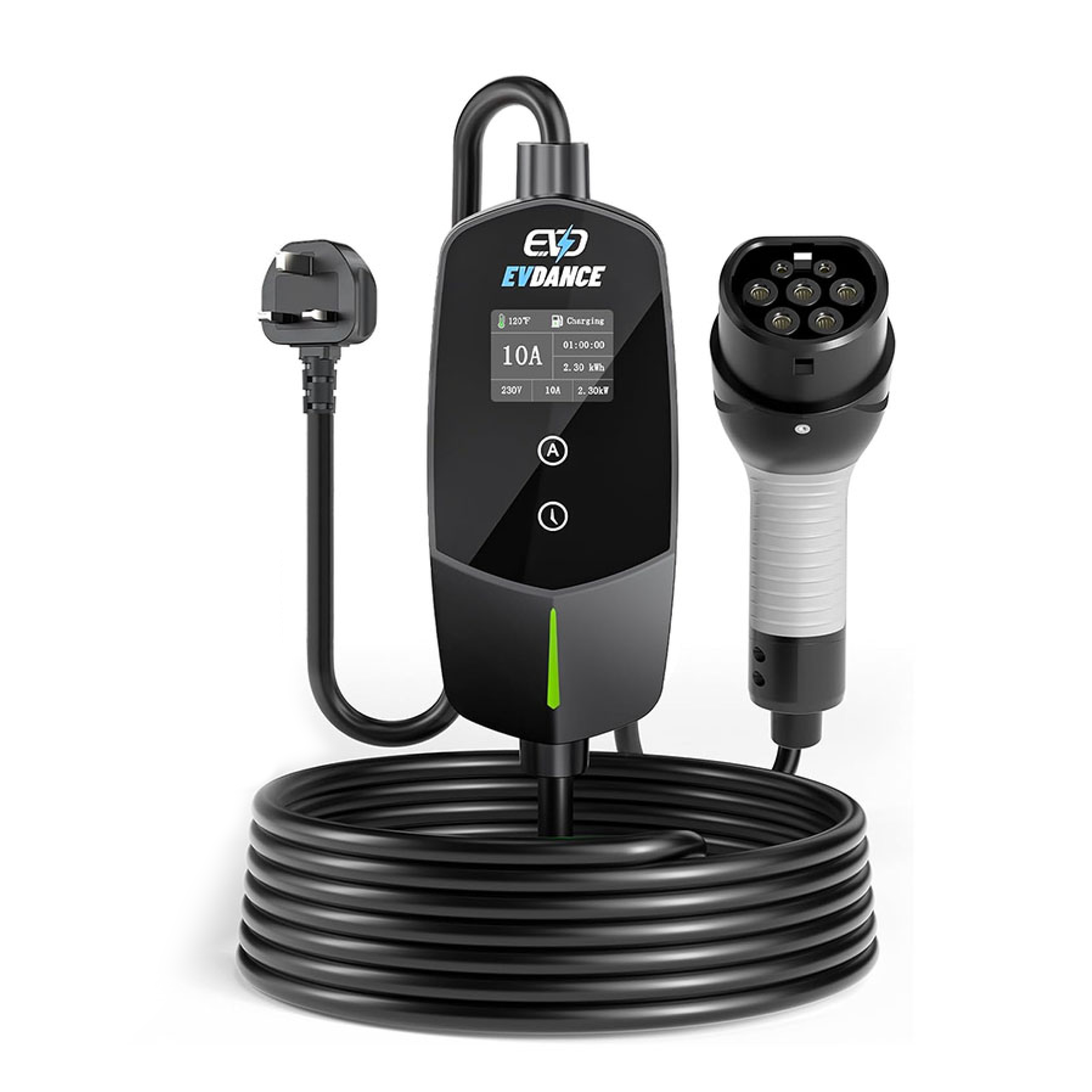
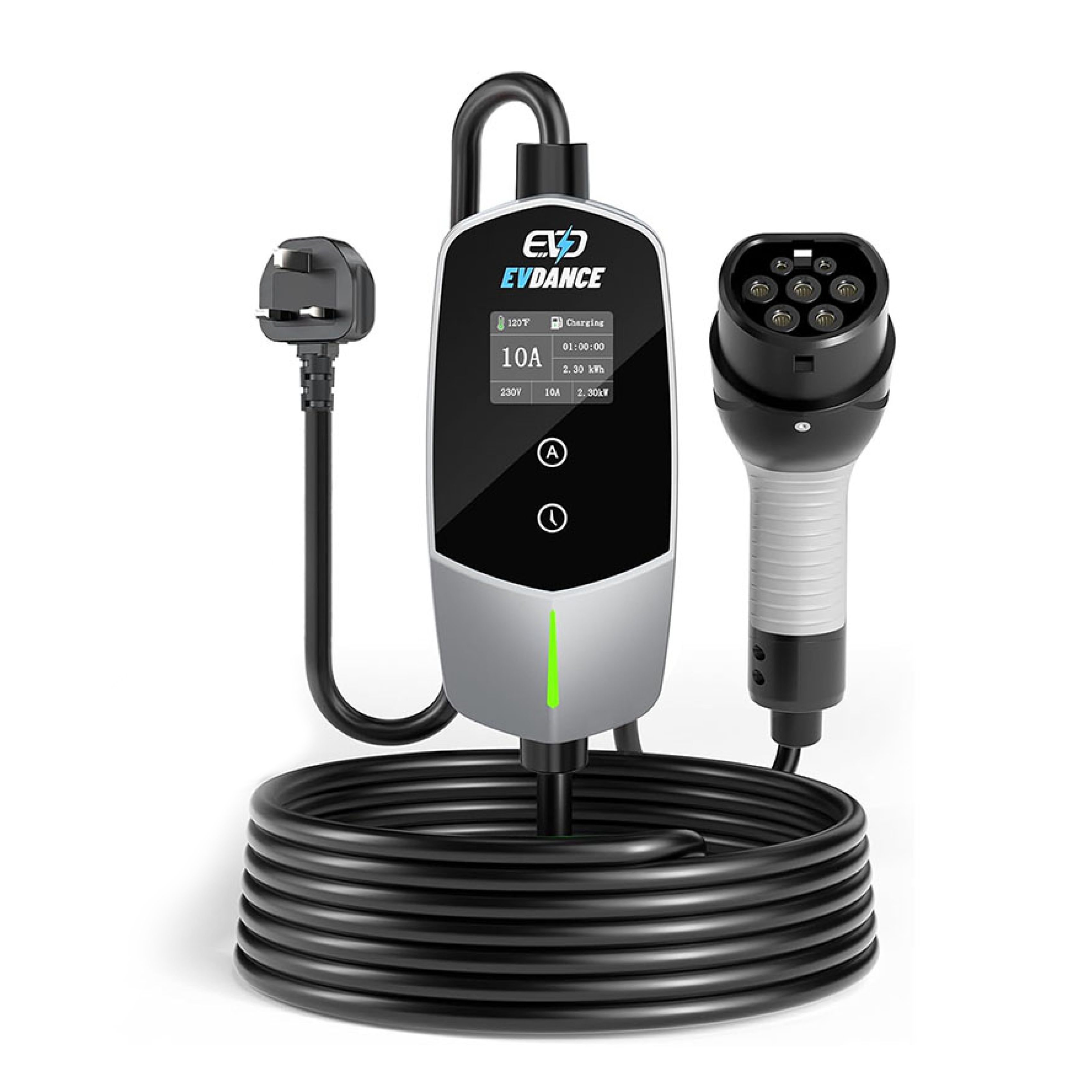
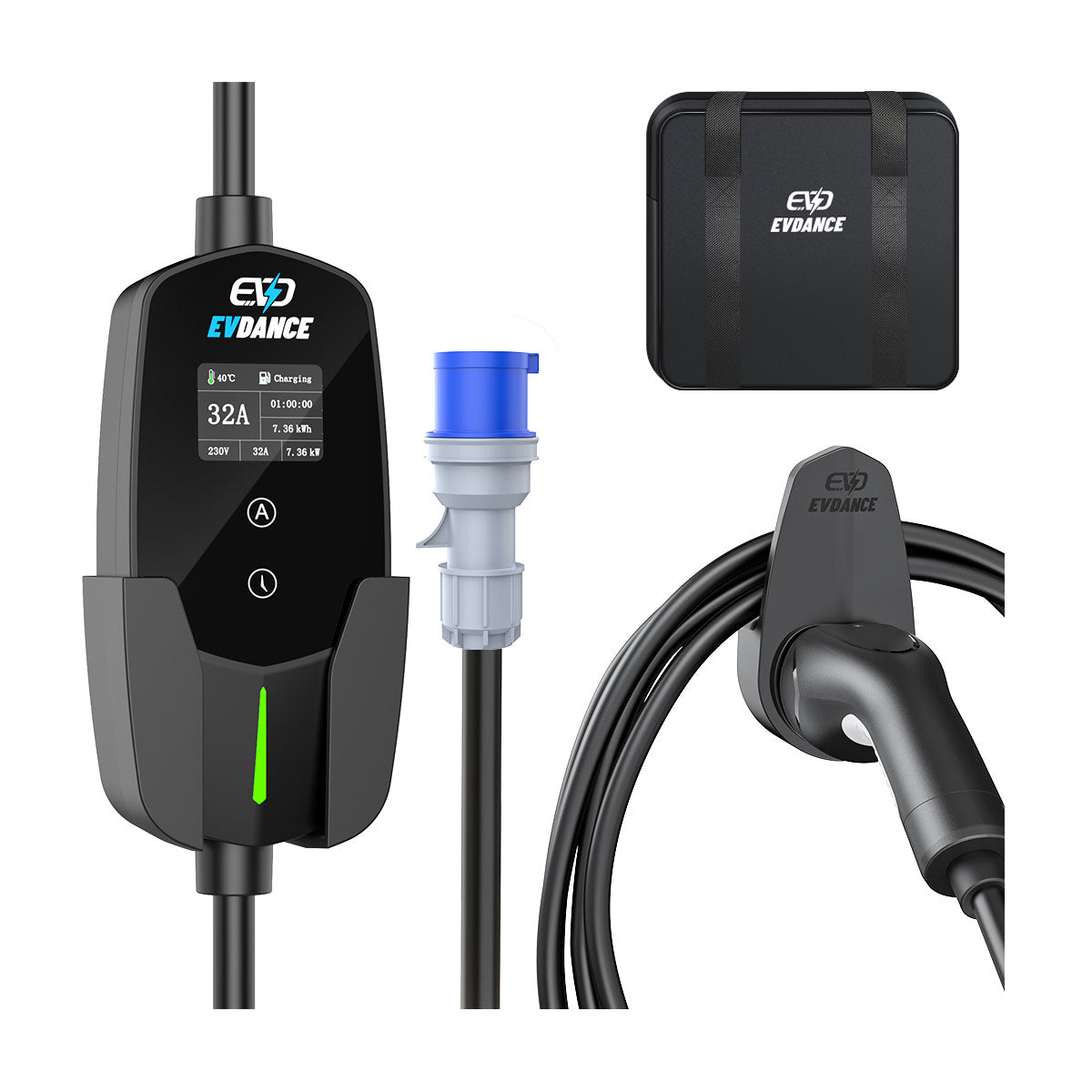
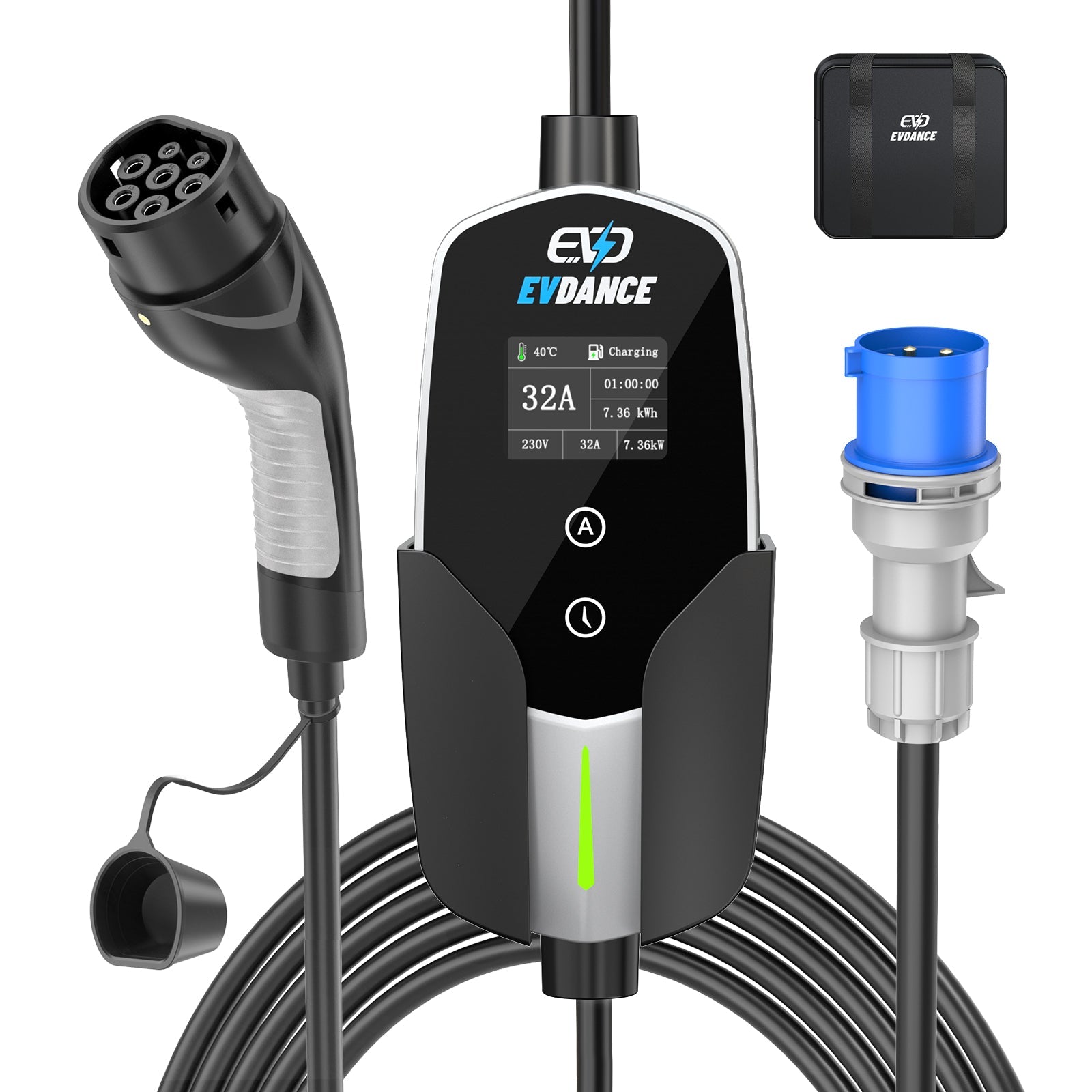
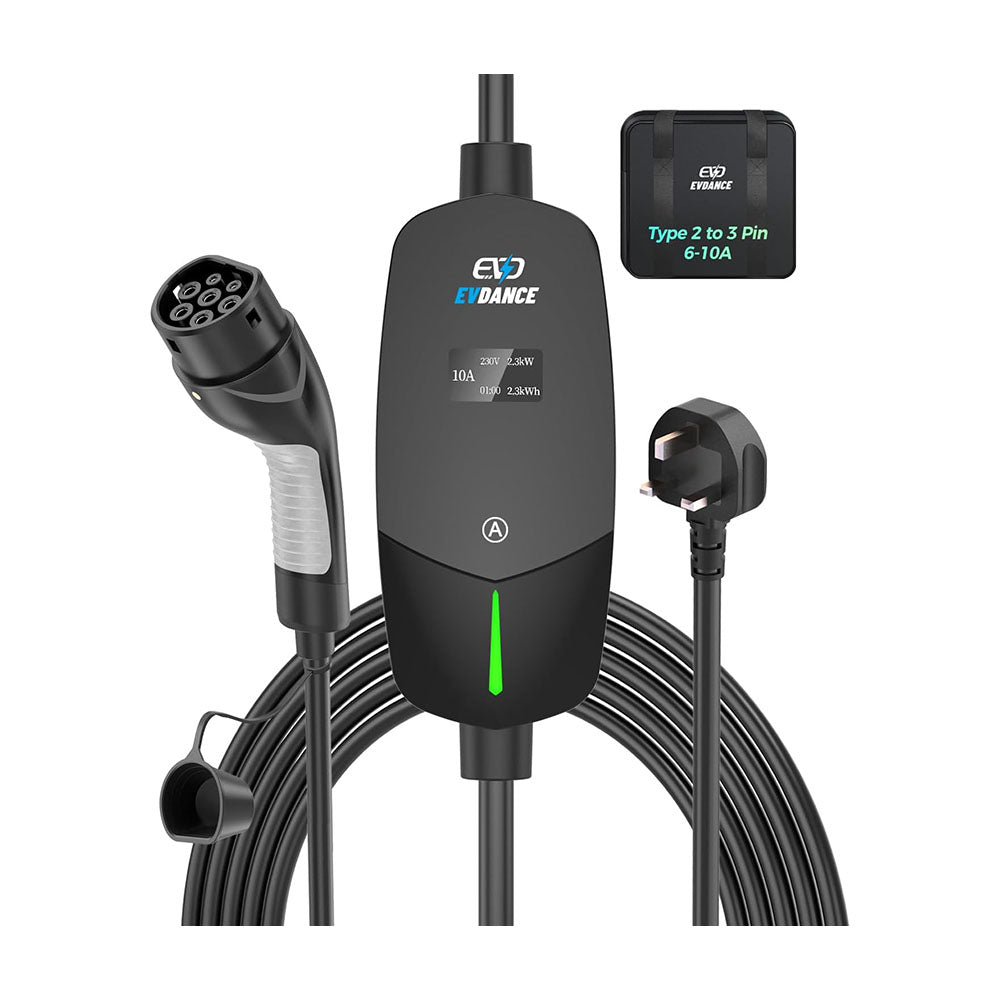
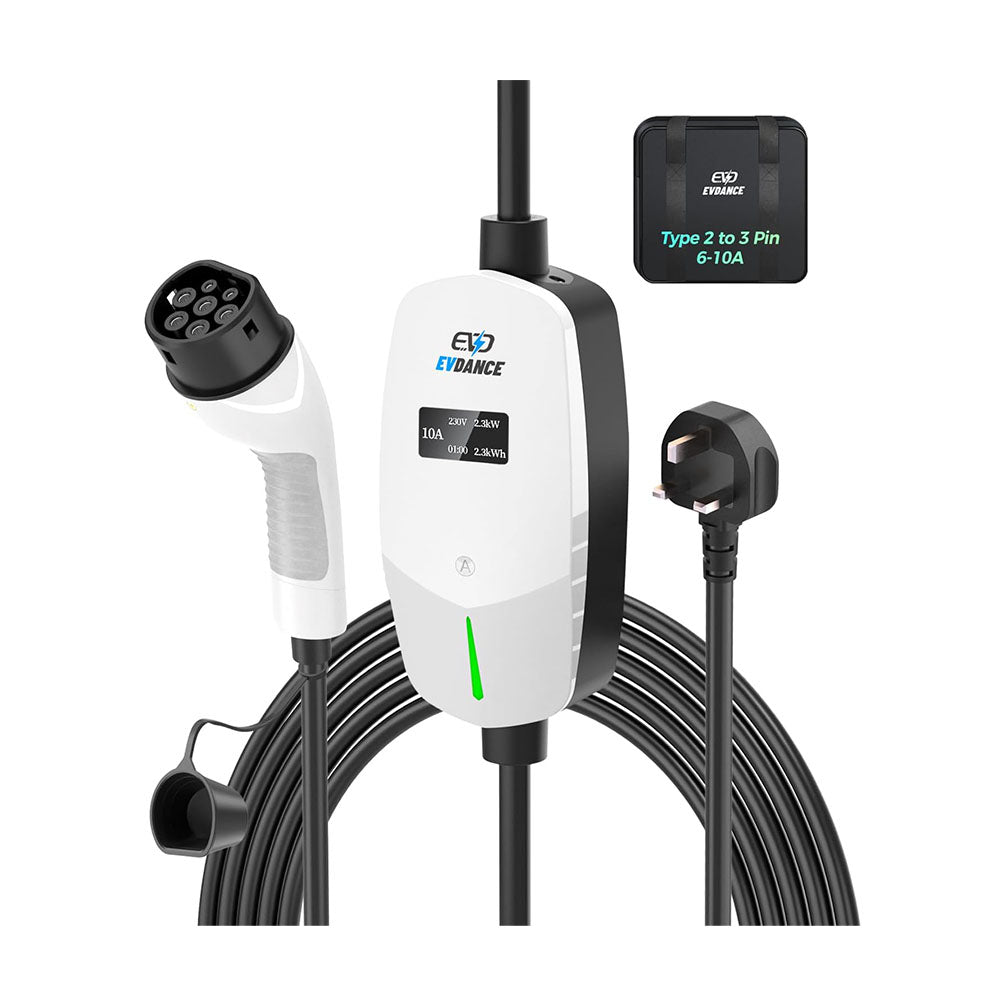
A portable EV charger display shows what is happening during the current charging session. Common readings include voltage, current, charging power, transferred energy and charging time. Depending on the model, it may also show temperature, phase information and operating status.
Quick Guide to the Display Values
| Display value | What it usually means |
|---|---|
| V | Voltage supplied to the charger |
| A | Current being used for charging |
| kW | Charging power at that moment |
| kWh | Energy transferred during the session |
| Time | Charging duration or timer information |
| °C | Temperature measured by the charger |
| L1/L2/L3 | Readings for the three electrical phases |
| Status or icon | Standby, connected, charging, complete or fault |
Display layouts vary by model. Some chargers cycle through several screens instead of showing every value at once.
How V, A, kW and kWh Work Together
Voltage and current determine the available charging power. On a single-phase connection, 230 V at 16 A provides approximately 3.68 kW.
The current displayed may be lower than the selected setting. The selected current establishes the maximum available to the vehicle, while the vehicle may draw less according to its own charging requirements.
kW and kWh measure different things:
-
kW shows how quickly the vehicle is charging at that moment.
-
kWh shows how much energy has been transferred during the session.
If a vehicle charges at an average of 11 kW for two hours, approximately 22 kWh may be transferred before normal charging losses are considered.
Understanding Time, Temperature and Phase Readings
The displayed time commonly represents the duration of the current charging session. If the charger has a delayed-start function, it may instead show the time remaining before charging begins.
Therefore, 02:00 does not necessarily mean the battery will be full in two hours. It may represent elapsed charging time or a timer setting.
A temperature value normally comes from a sensor inside the charging equipment. Depending on the design, it may monitor the control box, plug or another component. It generally does not represent the vehicle’s battery temperature or the outdoor temperature.
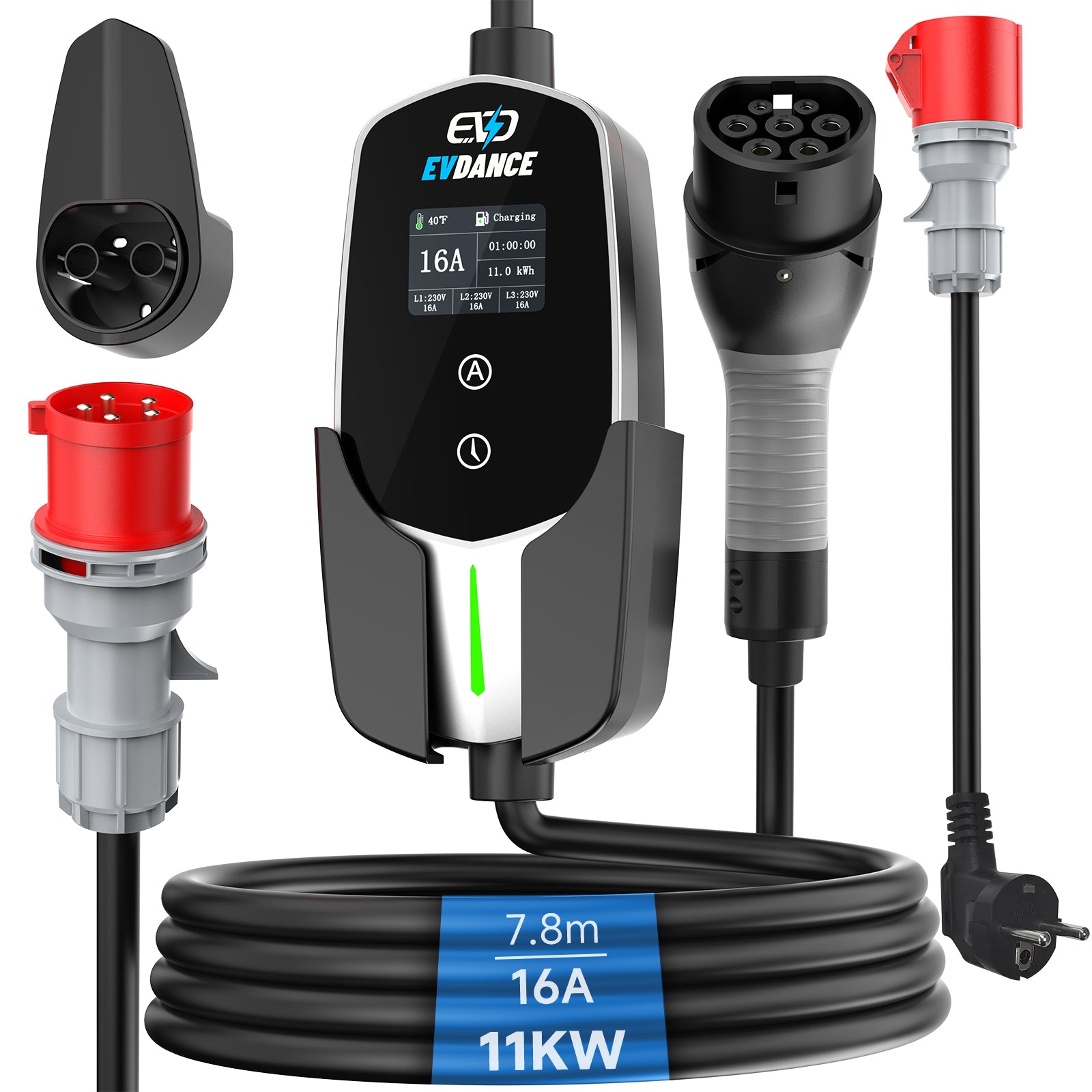
On a three-phase mobile wallbox, L1, L2 and L3 represent the three phases of the electrical supply. The screen may show the voltage or current measured on each phase.
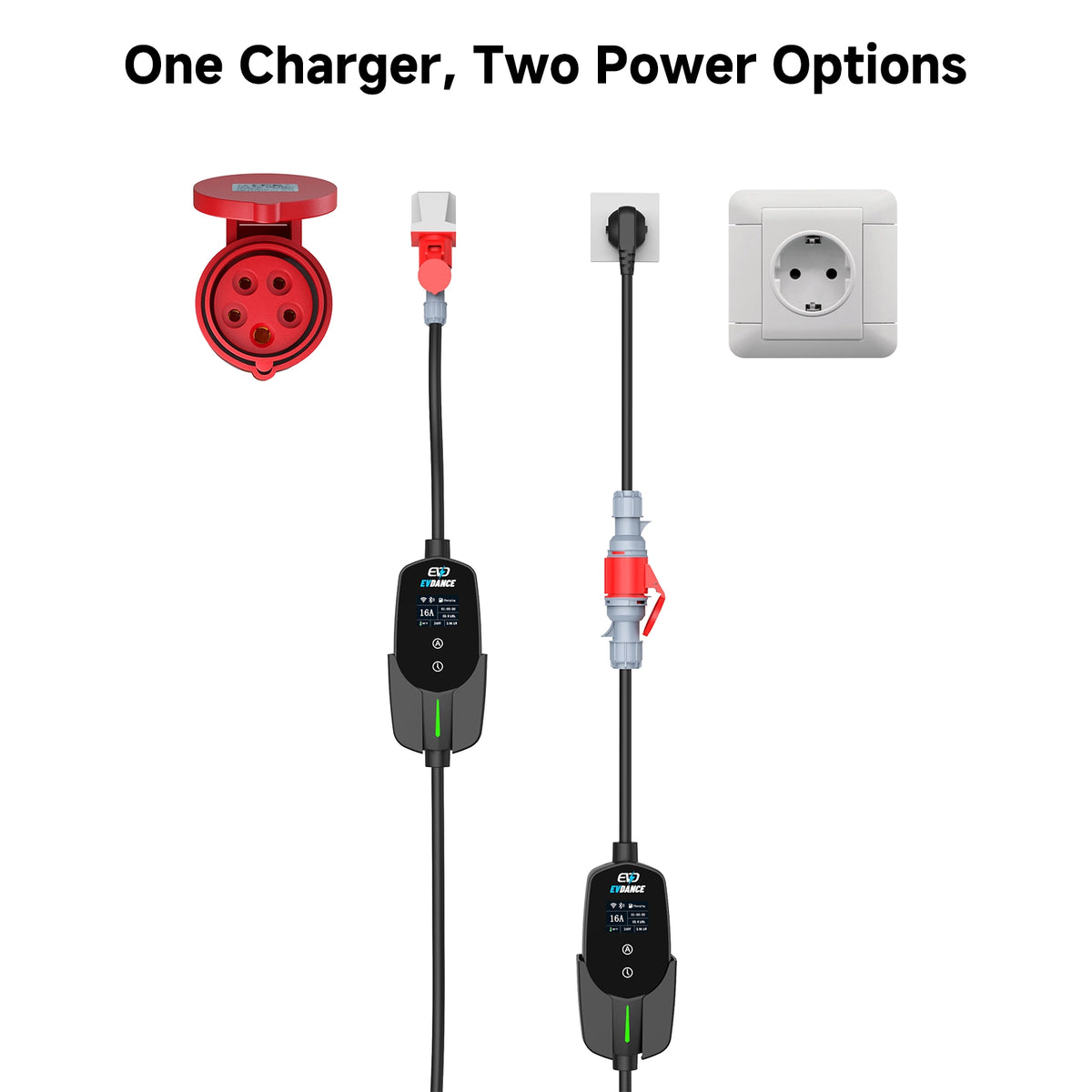
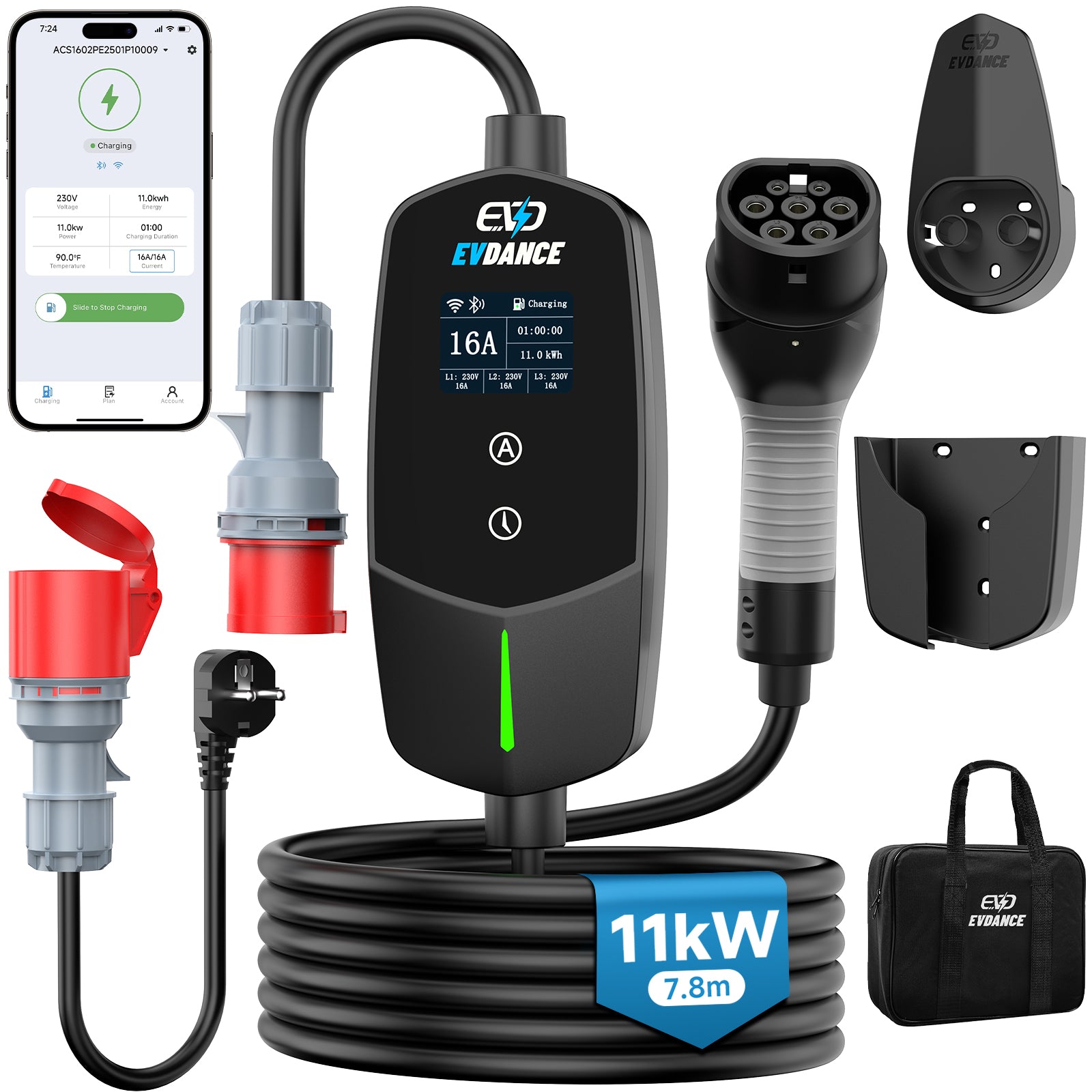
An 11 kW mobile wallbox with App brings charging current, charging time, energy use and L1/L2/L3 information together on its display, making a three-phase charging session easier to monitor.
Why the Charger, Vehicle and App May Show Different Values
The charger, vehicle and App may show slightly different power or energy figures because they refresh at different times, round values differently or measure energy at different points.
For example, the charger may record energy drawn from the electrical supply, while the vehicle reports the energy reaching the battery. Normal charging losses can create an additional difference between these figures.
Small differences are usually not a concern if charging continues normally and no warning or fault is displayed.

What to Do When the Display Shows a Fault
A warning may indicate overheating, current leakage, a grounding problem or another abnormal condition. Because icons and error codes vary between products, check the corresponding explanation in the charger’s manual.
If the same warning returns after following the recommended procedure, stop using the connection and contact the manufacturer, technical support or a qualified electrician. Do not open the control box or attempt to bypass the warning.
The display is most useful when its readings are considered together: voltage and current explain the available input, power shows the current charging rate, and energy and time show the progress of the session.
Recommend Reading: Adjustable Charging Current on Portable EV Chargers Explained







Share:
What Does 6 mA DC Protection Mean on an EV Charger?